
I also shared this as an X Article. Read it on X
This week I keep seeing the same questions: “Is it safe to give an AI bot access to my personal email?” and, just as often, “Will I lose my photos?”
They’re fair questions. I run Grok Bot assistants every day, and I had the same nerves at the start. Here’s the setup I use, in plain language.
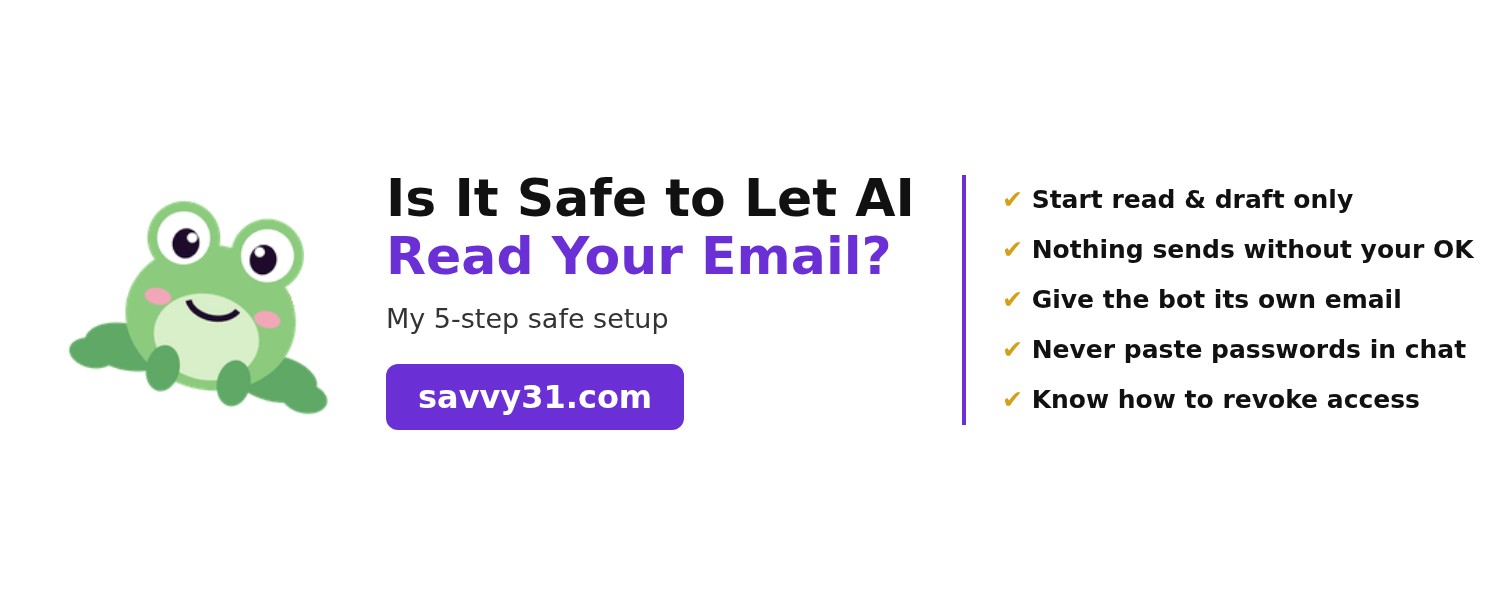
1. Start with read and draft only
When you connect your email, give the bot the smallest job you can. It can read and search your inbox and write drafts. That’s it. You can always give it more later, once you trust it.
2. Nothing gets sent without your approval
This is my number-one rule. My assistant writes the email, and I read it before it goes anywhere. If it hasn’t got my yes, it doesn’t get sent. You stay the one who presses send.
3. Give the bot its own email address
My assistant has its own address (mine ends in @mail.grokbot.com). When it needs to sign up for things or get messages, it uses its inbox, not mine. It’s a simple way to keep your personal inbox separate.
4. Never paste passwords into a chat
Don’t type a password, a bank login or a verification code into any AI chat. A proper connection uses your Google sign-in screen, so the bot never sees your password. If something asks you to paste a password in, stop.
5. Know how to switch it off
You’re always in control. To remove access, go to your Google Account > Security > your connections to third-party apps and services, pick the app, and remove its access. It takes about a minute. I check mine every so often.
So… will I lose my photos?
No. A read/draft email connection is just that: email. It doesn’t connect to Google Photos, and with read and draft access it can’t delete your emails or anything else. Your photos stay exactly where they are.
What my bot can and can’t do
Can: read and search my inbox, sum up long threads, draft replies for me to check, and remind me what needs an answer.
Can’t (with my setup): send without my OK, delete anything, see my password, or touch my photos.
No tool is perfect, so the smart move is to start small and stay in charge. That’s how everyday women like us get the benefit of an AI personal assistant without the worry.
Your next step
Want my simple step-by-step guides? Come find me at savvy31.com 💜
Looking for more AI tools that are easy to start? The Savvy Stack has free-first picks for busy moms, each with a 10-minute setup on the tools page. Start with our 9 best AI tools for busy moms.
Prefer to read and share on X? Read it on X