
If you’ve felt lost about AI lately, you’re in good company. Here are a few real questions people posted in the last few weeks:
- “Guys, help me, which AI should I use… I’m confused.” (@Amazedroaster on X, Oct 8)
- “Everyone launched a personal AI agent in like 6 weeks: Meta Muse, OpenAI Dots, Grok Bot, Google Gemini Spark… Which one would you try first?” (@PhillyTide on X, Oct 6)
- “What is the difference between a chatbot and an AI agent?” (@faisalcodesX on X, Sep 15)
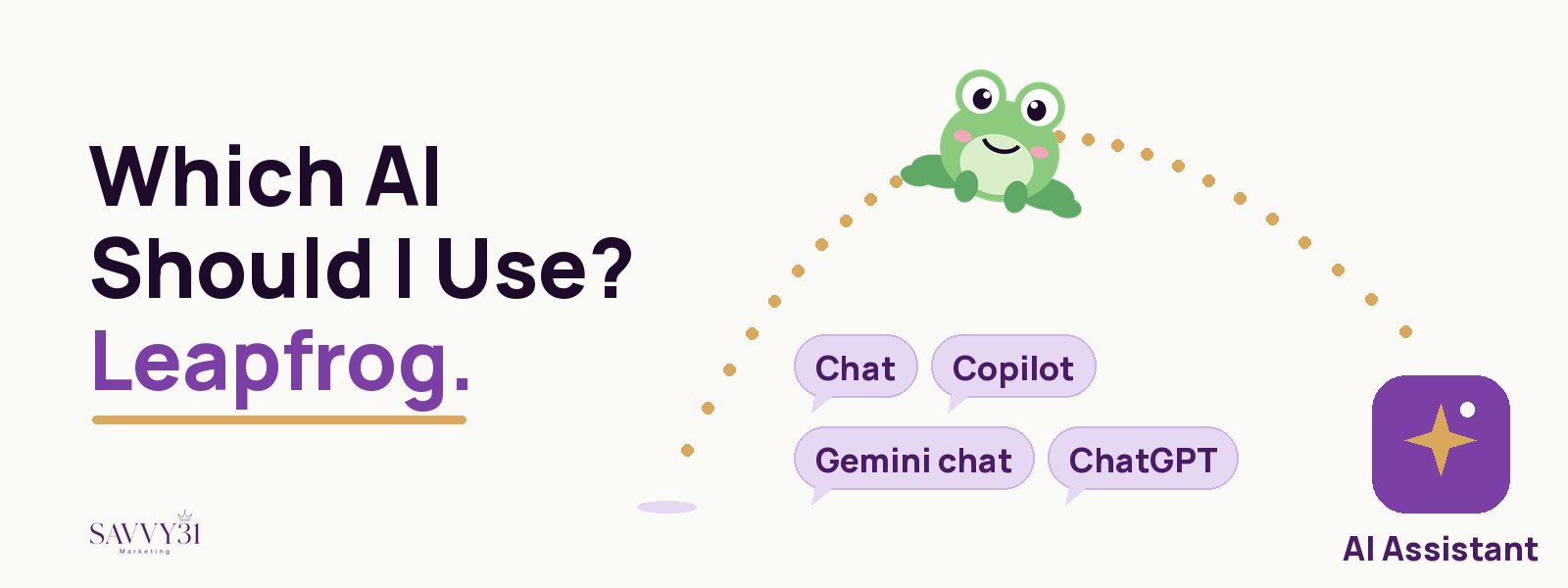
We hear this question more than any other. Our answer surprises people: leapfrog.
The usual advice: start with chat
Most people are told to open a chat tool like Copilot, type a question, and learn from there. That works for some people. For a lot of us, though, a blank chat box is the hard part. What do you type? How do you know if the answer is any good? What do you do with it next?
So people try it once, get a so-so answer, and decide AI “isn’t for them.”
Our answer: leapfrog to an assistant
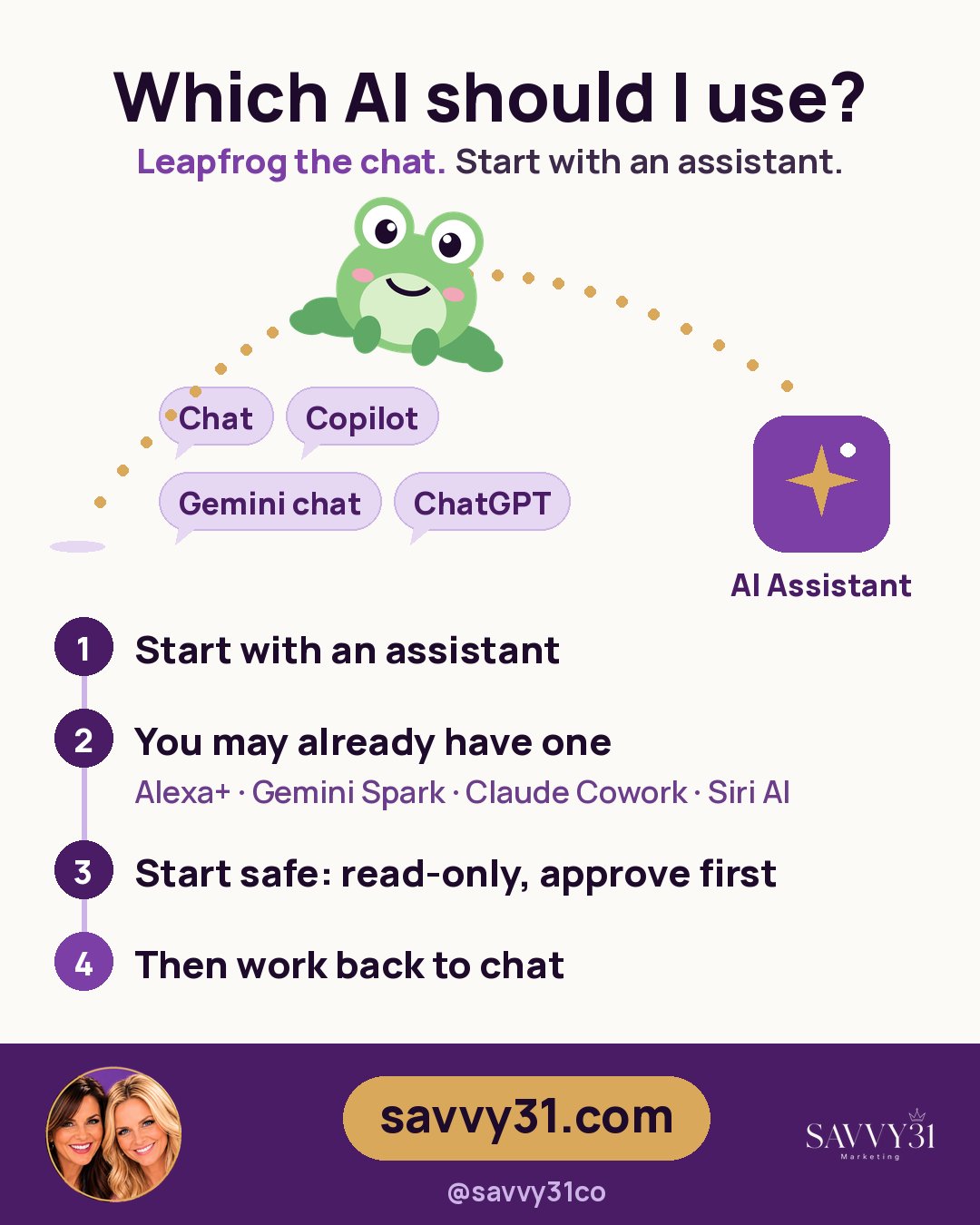
At Savvy 31, we suggest skipping that awkward first step. Start with a personal AI assistant, sometimes called a bot or an agent, and work backwards from there.
An assistant doesn’t wait for you to know the perfect question. You tell it what you need in plain words, it does the steps, and it checks with you along the way. Your first step into AI is guided instead of a guessing game. You learn by watching it work, the way you’d learn from a good helper sitting next to you.
Chat vs. assistant: one simple example
Say you need to plan a dinner with three friends next week.
With a chat tool like Copilot: You ask for help writing an invitation. It gives you a nice message. Then you copy it, open your email, check your calendar, send it, and keep track of who answers. The chat helped with one piece, and you did the rest.
With a personal assistant: You say, “Find a night next week that works for me and invite Sara, Kim, and Lisa to dinner.” It looks at your calendar, drafts the invitation, and asks you to approve it before it sends. Then it tells you who said yes.
Chat answers. An assistant gets things done.
You may already have one
Before you buy anything new, check what you already pay for. Several assistants come with plans many people already have:
- Alexa+ is free with Amazon Prime. It handles home routines, shopping, and bookings. (Amazon)
- Gemini Spark is included with Google AI Pro ($19.99/month in the US). It’s a good fit if you live in Gmail and Google Calendar. (Google)
- Claude Cowork is included with Claude Pro ($20/month). It’s great for office and document work. (Claude)
- Siri AI comes with iOS 27 at no extra fee at launch (with daily limits) on iPhone 15 Pro or newer. It can take actions inside your apps. (Apple)
Other options include Meta Muse (free with limits, inside WhatsApp) and Grok Bot (included with a SuperGrok plan), so you have choices at many price points.
So the real answer to “Which AI should I use?” might be: the one you already have.
Start safe: two simple rules
Handing a bot your email can feel scary. That’s a healthy instinct. Two rules make it much easier:
- Start read-only. Let it read and summarize first, like your calendar or inbox, before you let it send or change anything.
- Pick one that asks before it sends or buys. A good assistant shows you the email or the purchase and waits for your yes. Meta Muse, for example, asks before sending or buying.
Start small, watch how it works, and give it more jobs as you build trust.
Then work backwards
Once you’ve seen an assistant plan, draft, and check in with you, chat tools suddenly make sense. You’ll know what a good request sounds like, because you’ve watched one turn into real results. That’s the leapfrog: guided first, then on your own.
Your next step
You don’t have to figure this out alone. Savvy 31 is one of the first to teach personal AI assistants to everyday people, in plain language and at your pace.
Visit savvy31.com to get started, and let us help you pick your first assistant.
Want to see the apps busy moms are trying? Browse The Savvy Stack, or jump to the ChatGPT setup to get going in 10 minutes. Want our top picks? Read the best AI tools for busy moms.