
Let's be honest. AI is showing up everywhere: in your phone, your email, your search bar, maybe even your kid's homework. Whether we like it or not, it's here. So the real question isn't "should I?" It's "how do I make this work for me without feeling silly?"
Here's what I tell friends: you don't need to be techy. You need 10 minutes, a coffee and one real thing you want help with.
First, two words you'll hear a lot
- Chatbot: a website or app where you type a question and AI types back an answer. Think of it like texting a very helpful assistant.
- Prompt: simply what you type to it. That's it.
Minutes 1 to 2: Open a chatbot
Open your web browser, type chatgpt.com in the bar at the top, and press Enter. Prefer a different one? Gemini (gemini.google.com), Claude (claude.ai), Copilot (copilot.microsoft.com) and Grok (grok.com) all have free plans as of October 2026, with limits that can change.
If it asks you to sign in, use your email or Google account. Then look for the empty box that says something like "Ask anything." That box is all you need.
Minutes 3 to 4: Ask a real question
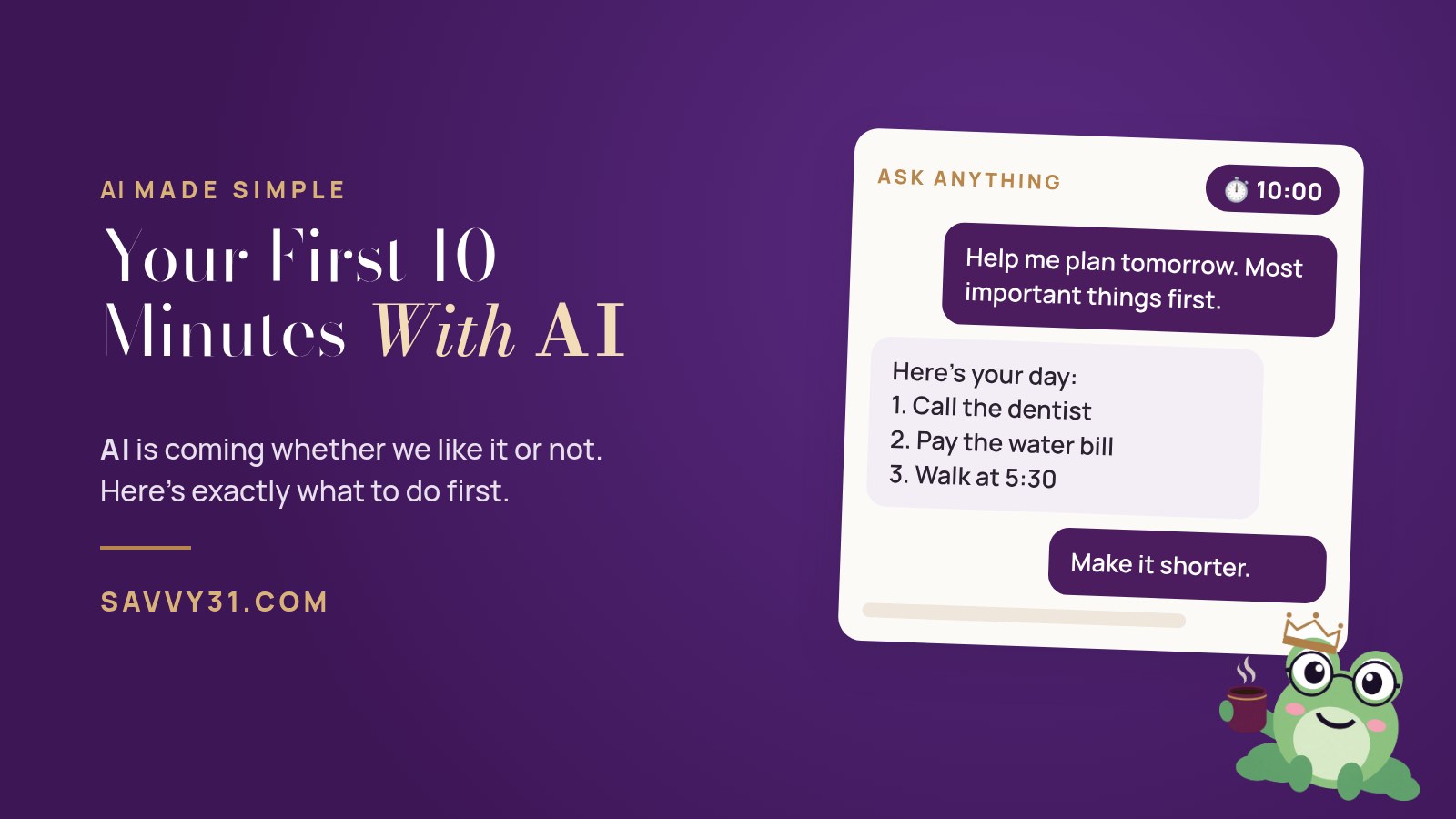
Don't test it with trivia. Give it something from your actual life. Copy this, swap the parts in brackets and press Enter:
Help me plan tomorrow. Here is what I need to get done: [list everything on your mind]. I have free time from [time] to [time]. Put the most important things first and keep it short and easy to read.
Wait a few seconds while it types. That's it. You just used AI.
Minutes 5 to 6: Talk back to it
This is the part most people miss. It's a conversation, not a search engine. It remembers what you just said, so try one of these:
Make that shorter and friendlier.
Ask me 3 questions first so you can make this better.
Turn this into a checklist I can print.
Minutes 7 to 8: Check its work
AI can sound very sure and still be wrong. So ask it:
What in your answer should I double-check, and what did you assume?
Always double-check facts, dates, numbers, and anything about money, health or legal matters. You're the boss. It's the assistant.
Minutes 9 to 10: Keep what worked
Copy the answer you liked into your notes app or an email to yourself. Next time, start with the same prompt and tweak it. That's how a 10-minute experiment turns into a habit that gives you time back every week.
A quick word on privacy
Before you paste anything personal, keep it simple: don't share passwords, card numbers, Social Security numbers or health details, and check your chatbot's privacy settings. Thinking about connecting AI to your email? Read is it safe to give an AI bot access to your email?
Want the full walkthrough? Our free guide, Your First 10 Minutes With AI, has this whole plan plus bonus prompts, quick fixes and a 7-day mini challenge.
AI is coming either way. Let's make it simplify your time, money and life, one small win at a time.
Not sure which tool to pick? Start with which AI should I use? Browse more posts on the Savvy 31 blog, or meet Kimber.
Wisdom that works.